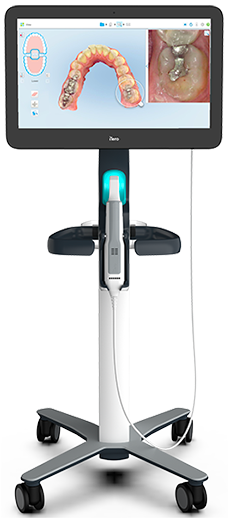
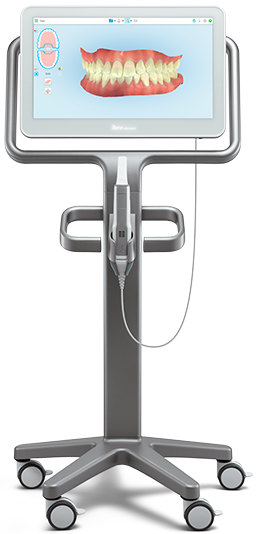
A more efficient and productive lab starts with iTeroTM
When you receive digital impressions, you can start the manufacturing process faster. Shorter turnaround times for restorations keep the doctors in your network happy and your business growing.



Step 1: Receive PVS impression(s) from doctor.
Days after patient appointment.

Step 2: Inspect impression(s) for defects.
If minor, make adjustments and proceed. If major, doctor must reschedule patient.

Step 3: Prepare stone model mixture.
Could be time-consuming and messy.

Step 4: Pour model and inspect for flaws after material has set.
Redo if voids or flaws are present. Section dies in preparation for scanning if the model is flawless.

Step 5: Scan model, enter prescription information, and begin the design and manufacturing workflows.
Imagine how quick this process could be with digital impressions.

Step 6: Finish restoration and send to doctor.
Possibly weeks after receiving the original PVS impression(s).


Step 1: Receive iTeroTM scan from doctor.
In minutes21 while the patient is still in the chair.

Step 2: Inspect digital impression for missing data.
Doctor can rescan specified area without rescheduling patient.

Step 3: Begin digital design and manufacturing workflows.
Using the CAD software of your choice. Optional digital design of model for 3D printing.
Step 4: Finish restoration and send to doctor.
So they can start treatment earlier.
MyiTeroTM’s single-user interface allows you to direct your workflow in multiple ways, based on scan quality, case type, or production process.

Doctor scans patient
Optional: Margin Marking
With iTeroTM solutions, doctors can "mark the margin" on the scans they send to you — resulting in more efficiency as you begin your workflow.
Scans transmitted in minutes21

Lab receives scan
Once you receive a scan, you control which steps to take next. Need a model produced? Want to export the file directly to your preferred CAD software? You’re in charge.
Export to CAD and begin production

Delivery of restoration
Restorations are delivered to the doctor for patient follow-up.
Optional return scans to doctor.
If you find issues, like unclear margins or missing scans, you can immediately send scans back to the doctor with notes. An alert will appear on the iTeroTM scanner so they can address the issue while the patient is still in the chair.
Optional iTeroTM services
Scan enhancement: There may be cases where a rescan isn’t necessary but the scan could benefit from some enhancing (e.g. a margin could be more clearly defined). Just send the scan to Align for scan enhancement.
Precision milled models: If you're running at capacity and don't have time to 3D-print your own models, you can order a precise, high-quality milled model from Align.
.jpeg)
Receive
Receive iTeroTM scans within minutes21.
.jpeg)
Review
Review your scans on our intuitive user interface, without needing to download them.
.jpeg)
Manage
Manage your scans with multiple options such as exporting to the CAD software of your choice, using iTeroTM services for scan enhancements, or returning them to the doctor for adjustments.
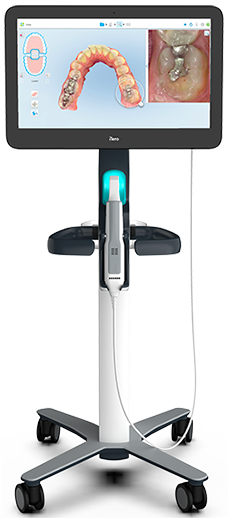
Our latest innovations.
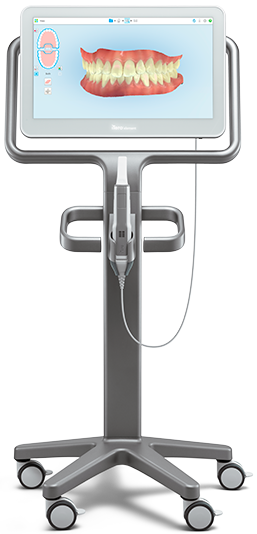
Our first imaging system with NIRI technology
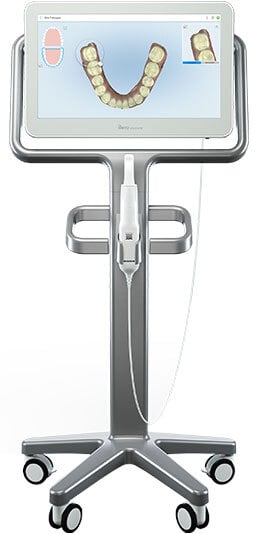
Proven innovation for effective treatment.